

Description
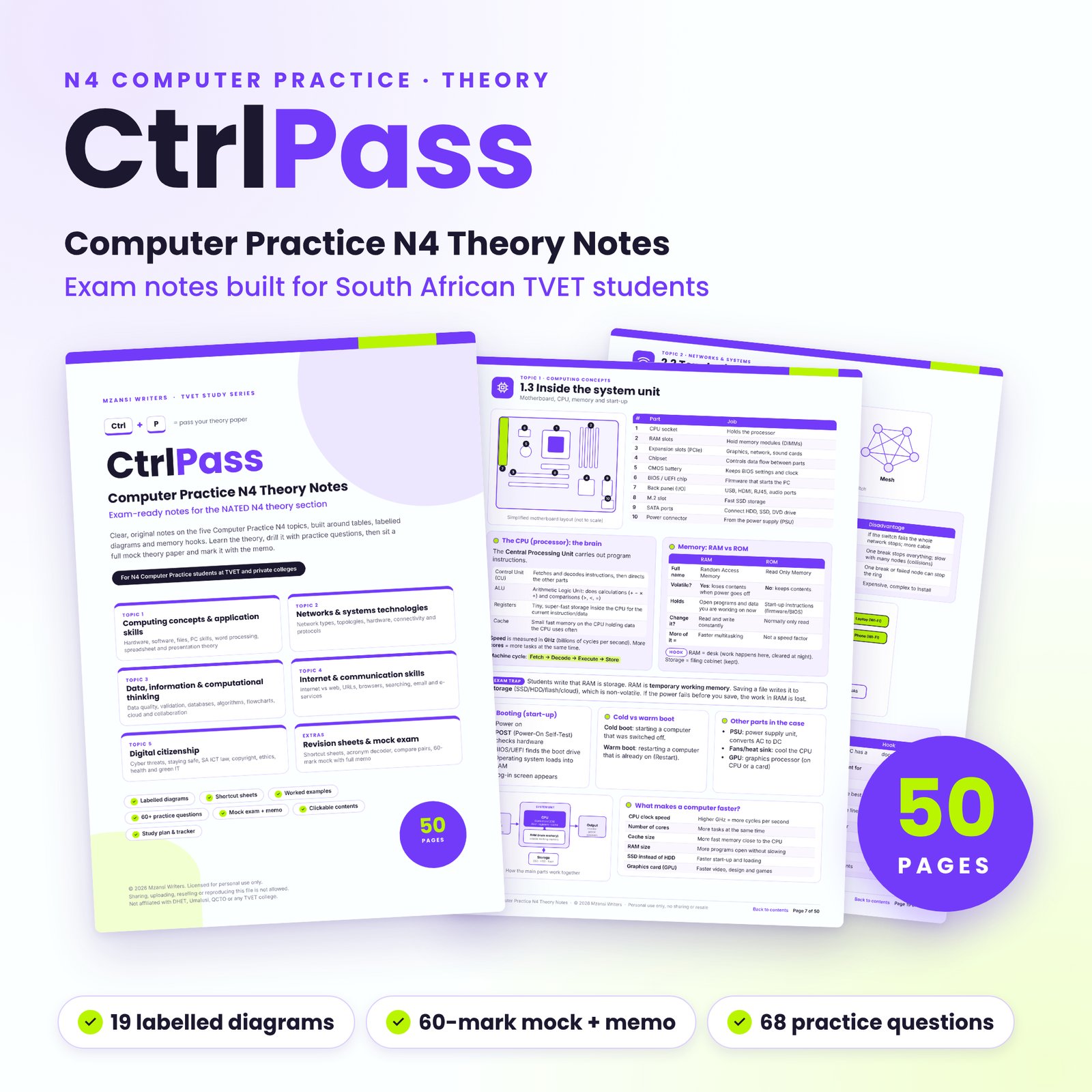
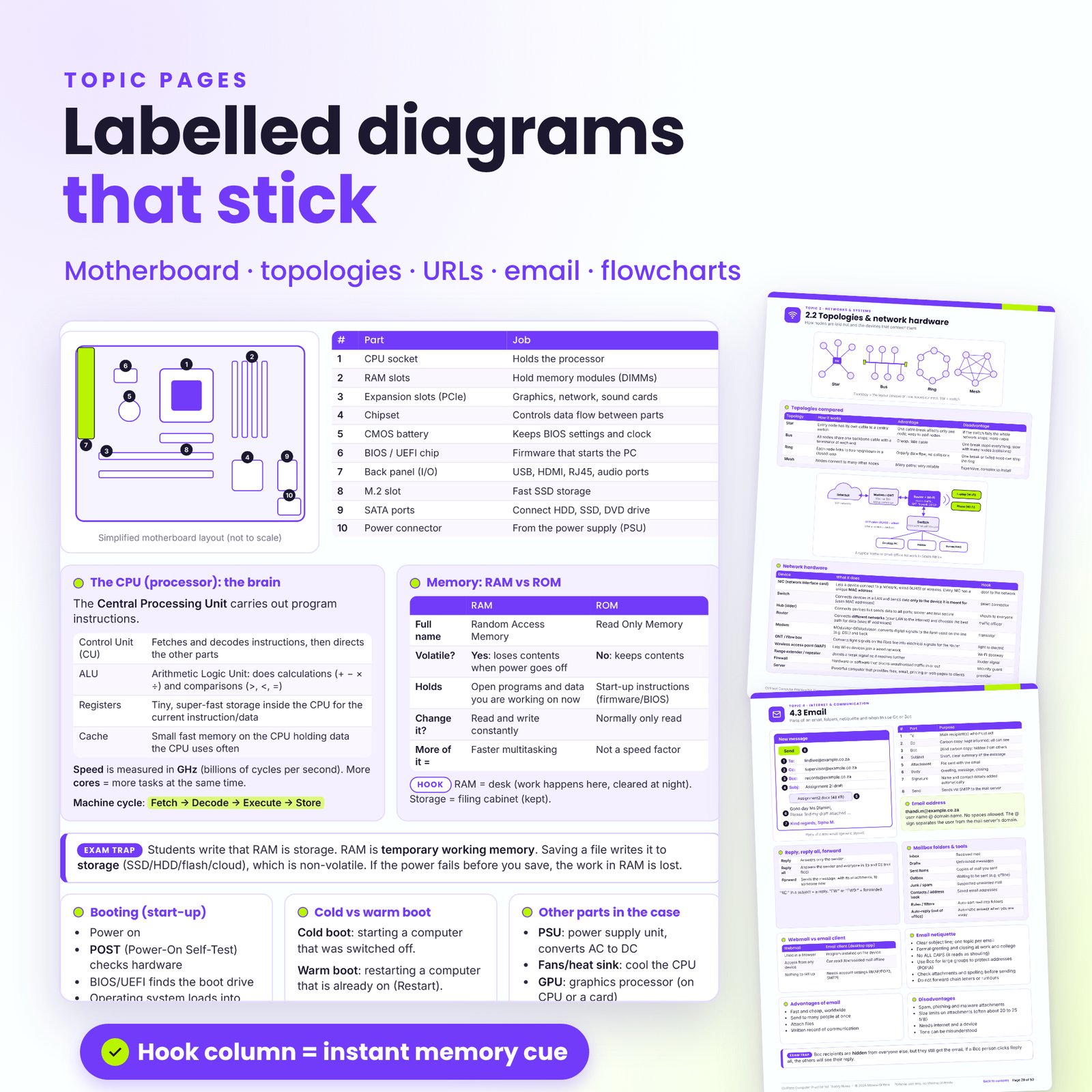
CtrlPass gives you clear, original Computer Practice N4 notes for the theory side of the NATED N4 exam. Each topic is squeezed onto one or two colour-coded pages with tables, labelled diagrams and a short Hook column that helps facts stick. Then you practise with exam-style questions, check your answers and sit a timed mock paper. It is made in South Africa, for South African TVET and private college students.
What CtrlPass Computer Practice N4 notes do for you
Most students lose theory marks for the same reasons: mixing up RAM and storage, confusing a switch with a router, writing “the cyber law” instead of the name of the Act, or giving one fact when the question wants two. CtrlPass is built around those traps.
- Learn each topic from a single, well-organised page instead of a thick textbook chapter.
- See how full marks are earned in worked examples with ticks and marking notes.
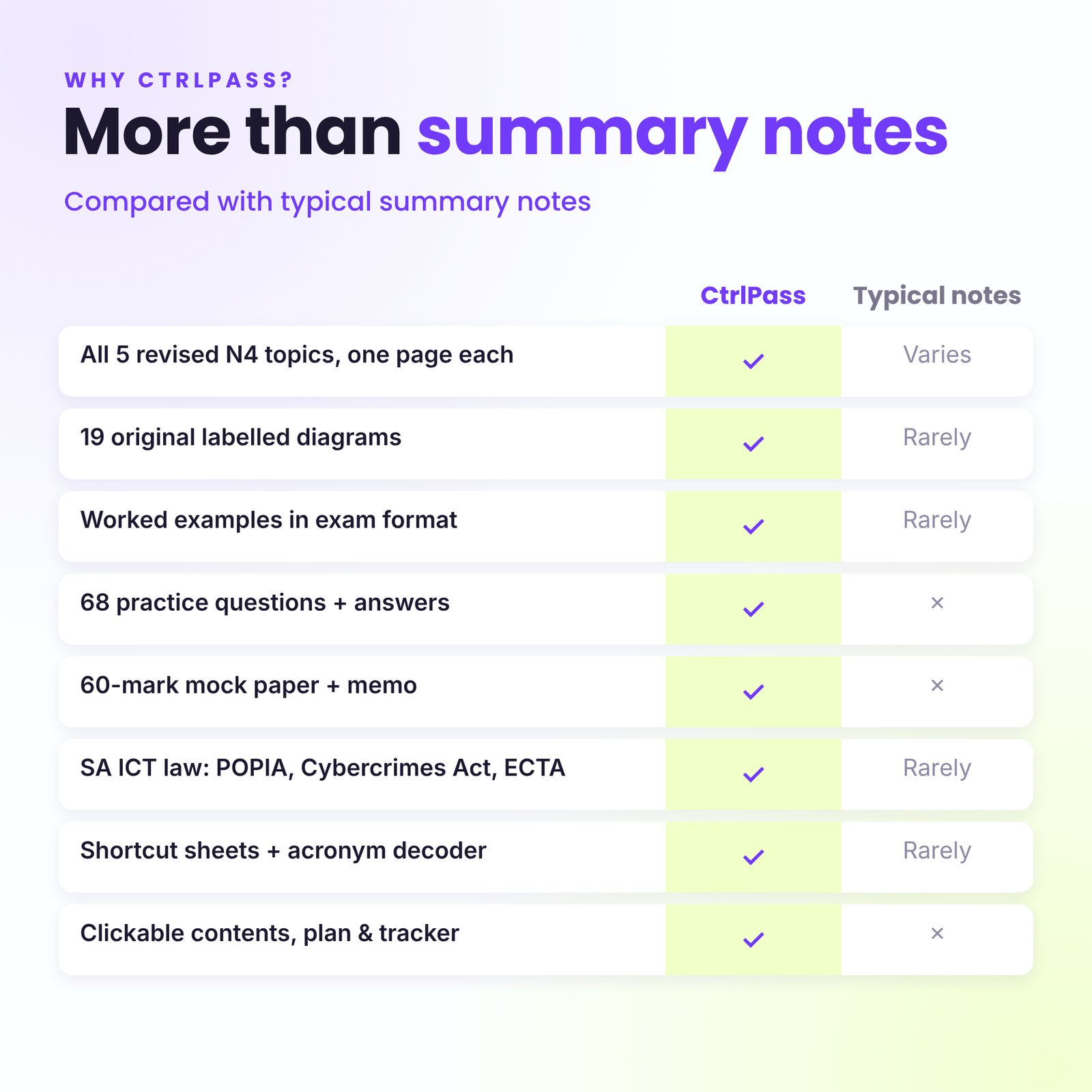
- Test yourself with 68 practice questions and model answers.
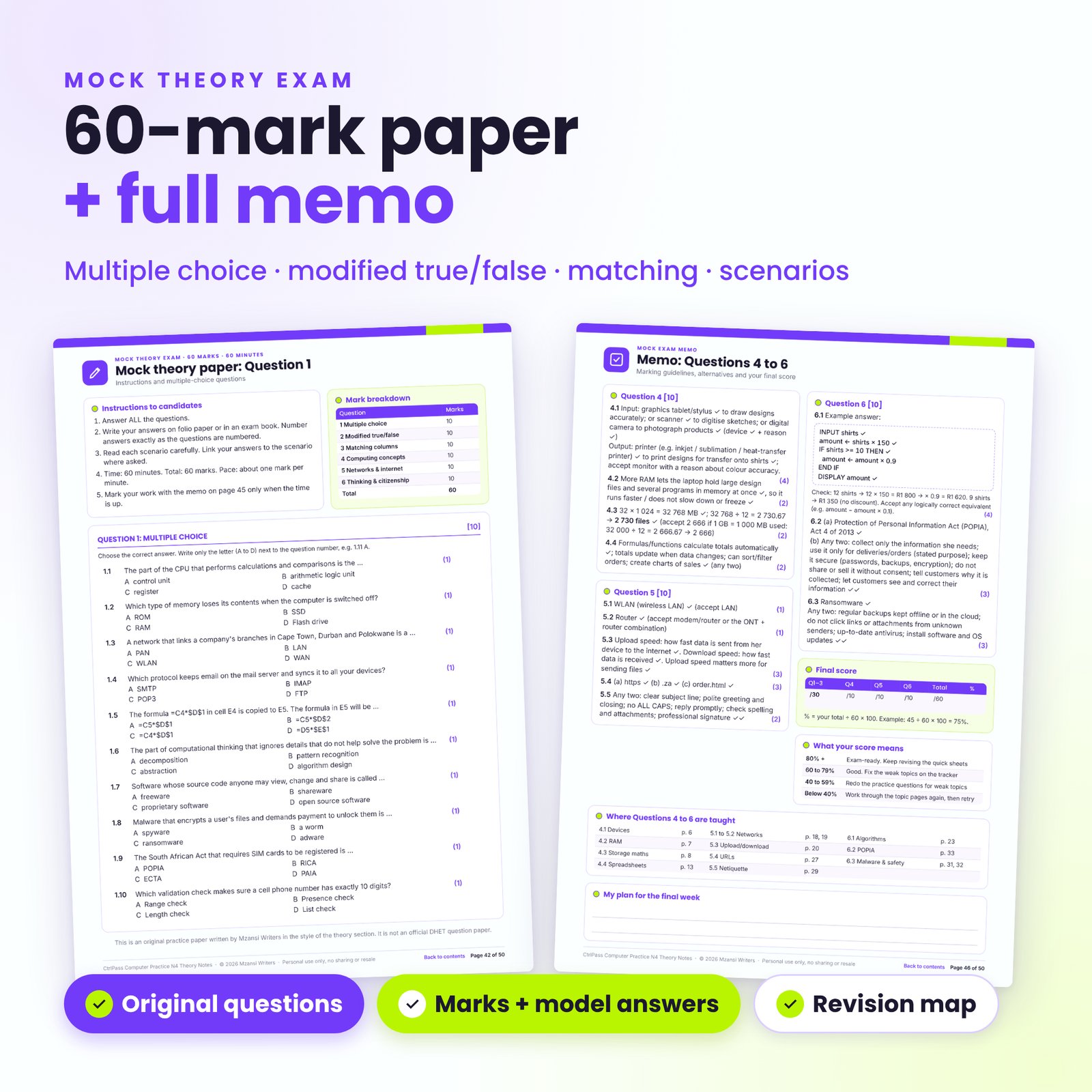
- Find out where you stand with a 60-mark, 60-minute mock theory paper and memo.
Who it is for
- N4 Computer Practice students at TVET and private colleges preparing for tests and the final exam
- Students rewriting the subject who want a faster way to revise
- Students in other N4 business programmes who need the computer theory basics
- Tutors and parents helping a student revise (each student needs their own licence)
What’s covered: the five N4 topics
Topic 1: Computing concepts and application skills
ICT basics and the information processing cycle, types of computers, input and output devices, the motherboard, CPU, RAM and ROM, storage media, data units and binary, system and application software, licences, file management, keyboard and mouse skills, plus the theory behind word processing, spreadsheets (cell references, order of operations, functions, error values, charts) and presentations.
Topic 2: Networks and systems technologies
PAN, LAN, WLAN, MAN and WAN, client-server and peer-to-peer, star, bus, ring and mesh topologies, network hardware, cables and wireless technologies, SA connection types, IP and MAC addresses, DNS, DHCP, protocols, intranets, VPNs and network security.
Topic 3: Data, information management and computational thinking
Qualities of good information, validation and verification, database basics, the four pillars of computational thinking, algorithms, pseudocode, flowchart symbols, IPO tables, trace tables, cloud computing, collaboration tools and blogging.
Topic 4: Internet and communication skills
Internet vs the World Wide Web, URL anatomy, SA domain endings, browser features, smart searching, judging websites, referencing, e-services, email parts, Cc vs Bcc, netiquette and online communication tools.
Topic 5: Digital citizenship
Malware, phishing, smishing, SIM-swap fraud, strong passwords and two-factor authentication, South African ICT law (POPIA Act 4 of 2013, the Cybercrimes Act 19 of 2020, ECTA, RICA, the Protection from Harassment Act, the Copyright Act and PAIA), copyright and plagiarism, digital footprint, ergonomics, health risks and green computing.
Features
- Clickable contents and a Back to contents link on every page
- 19 original labelled diagrams: processing cycle, motherboard, storage units, folder paths, keyboard zones, mail merge, cell references, topologies, a home network, URL and email anatomy, flowcharts, cloud computing, a phishing email, 2FA and a correct workstation
- Tables with a Hook column for quick memory cues
- Examiner tips and exam traps on almost every page
- Worked examples in exam format for every topic
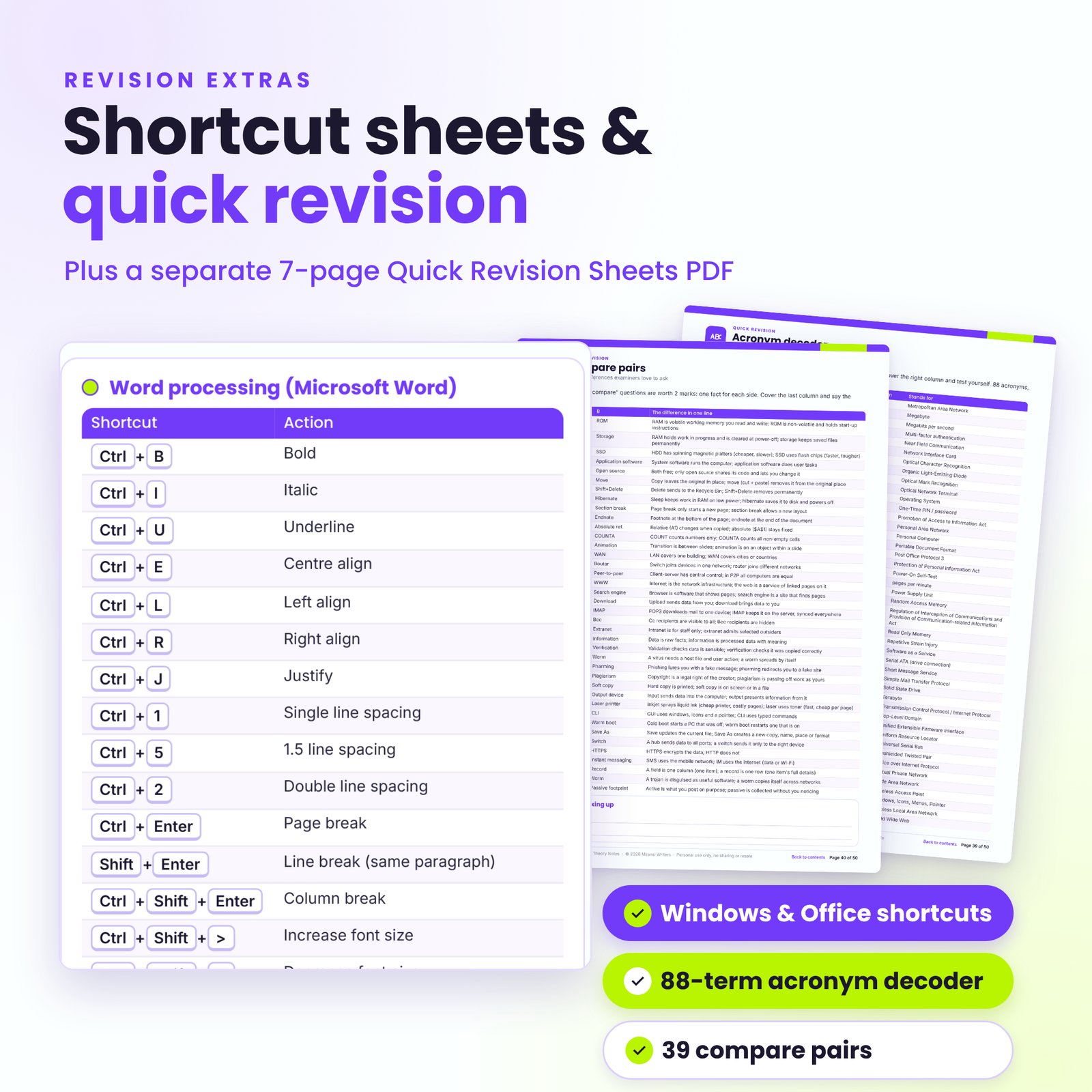
- Two shortcut sheets for Windows, File Explorer, Word, Excel and PowerPoint
- Acronym decoder with 88 acronyms and 39 compare pairs
- Exam technique page: question verbs, modified true/false, matching columns and a time plan
- 4-week study plan, progress tracker, exam-day checklist and ruled notes boxes
What’s included
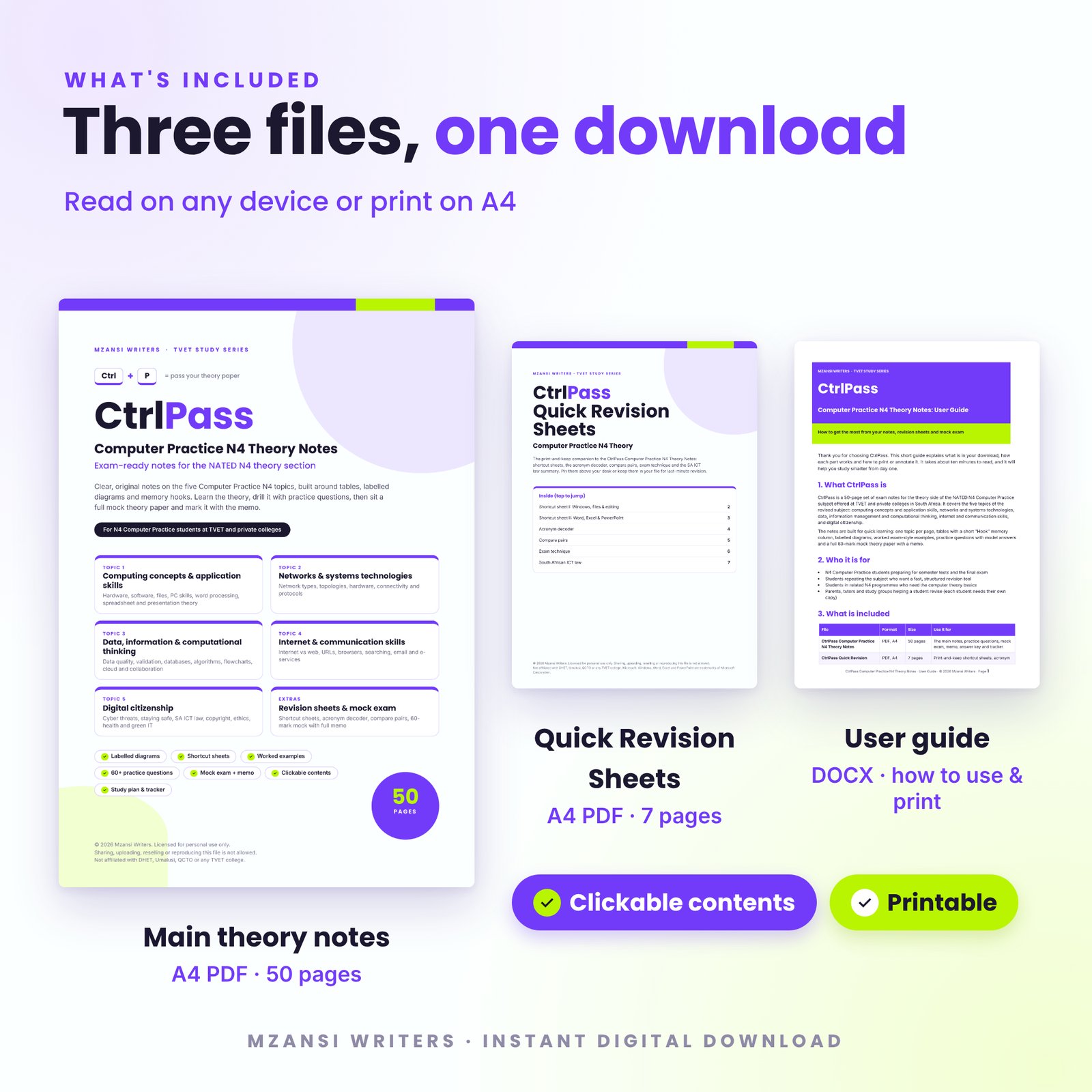
- CtrlPass Computer Practice N4 Theory Notes: A4 PDF, 50 pages
- CtrlPass Quick Revision Sheets: A4 PDF, 7 pages (shortcut sheets, acronym decoder, compare pairs, exam technique and the SA ICT law summary)
- CtrlPass User Guide: DOCX, explaining every feature, printing and annotating
How it works
- Download the files straight after payment.
- Open the PDF on your phone, tablet or computer and tap the contents to jump to a topic.
- Learn a page, study the worked examples and answer the practice questions on paper.
- Check your work with the answer key, then sit the mock paper under time and mark it with the memo.
- Use the memo’s revision map and the tracker to fix weak spots before exam day.
File formats and software
The notes and revision sheets are A4 PDFs with embedded fonts. They open in any PDF reader on Android, iPhone, iPad, Windows, Mac or Chromebook, and print cleanly in colour or greyscale. The user guide is a DOCX file that opens in Microsoft Word, LibreOffice or Google Docs.
Customise it
Print only the pages you need, such as the mock paper or shortcut sheets. On a tablet, highlight and write in the ruled boxes with any PDF app that has pen tools. Add your lecturer’s examples, tick off the study plan and record your mock scores.
Digital download
This is a digital product. Nothing is posted to you. Your download links appear on the order confirmation page and in your email, and stay available in your account.
Use cases
- Daily revision in the weeks before the exam
- Preparing for semester tests topic by topic
- A last-night check with the shortcut, acronym and compare-pairs sheets
- Building theory knowledge that speeds up the practical section
FAQ
Does it cover the practical section?
It focuses on the theory section. The concept pages and shortcut sheets support the practical, but you still need hands-on practice on a computer.
Is it based on the current N4 subject?
Yes. It follows the five topics of the revised Computer Practice N4 subject. Mark splits and software versions can change, so always confirm details with your lecturer.
Are these past exam papers?
No. Every practice question and the mock paper are original, written in the style of the theory section. No official question papers or memos are included.
Which Office version is used?
The theory is version-neutral. Shortcuts are for Microsoft Office on Windows 10/11 and may differ slightly in other versions.
Can I read it on my phone?
Yes. Any PDF reader works, and the clickable contents make moving around easy on a small screen.
Can I share it with my class?
No. The licence covers one person. Each student must buy their own copy.
Can I print it?
Yes, as many copies as you need for your own study.
Disclaimer and licence
Mzansi Writers is not affiliated with, endorsed by or approved by the Department of Higher Education and Training (DHET), Umalusi, the QCTO, any TVET college or any examining body. All content is original study material. Microsoft, Windows, Word, Excel and PowerPoint are trademarks of Microsoft Corporation and are named only to describe software. Licensed for personal use only: no sharing, uploading, reselling or reproduction.



Reviews
There are no reviews yet.